Download LagZapper for Windows
Lower ping, reduce lag, and optimize your connection for smoother online gaming.
 Download for Windows
 How to Download and Use LagZapper?
STEP 1
Download and Install LagZapper
Download LagZapper for Windows, then follow the on-screen steps to complete the installation.
Download for Windows 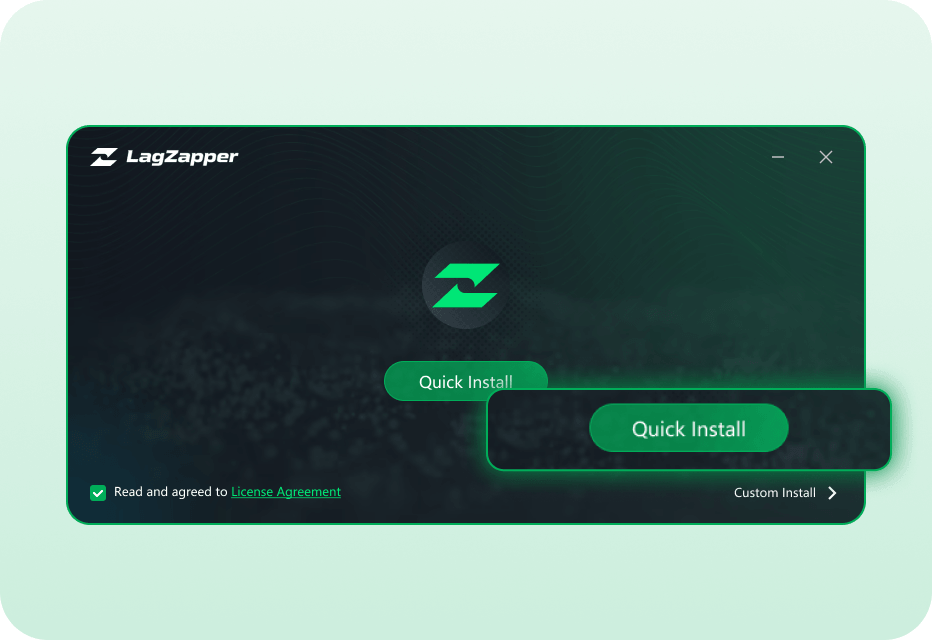
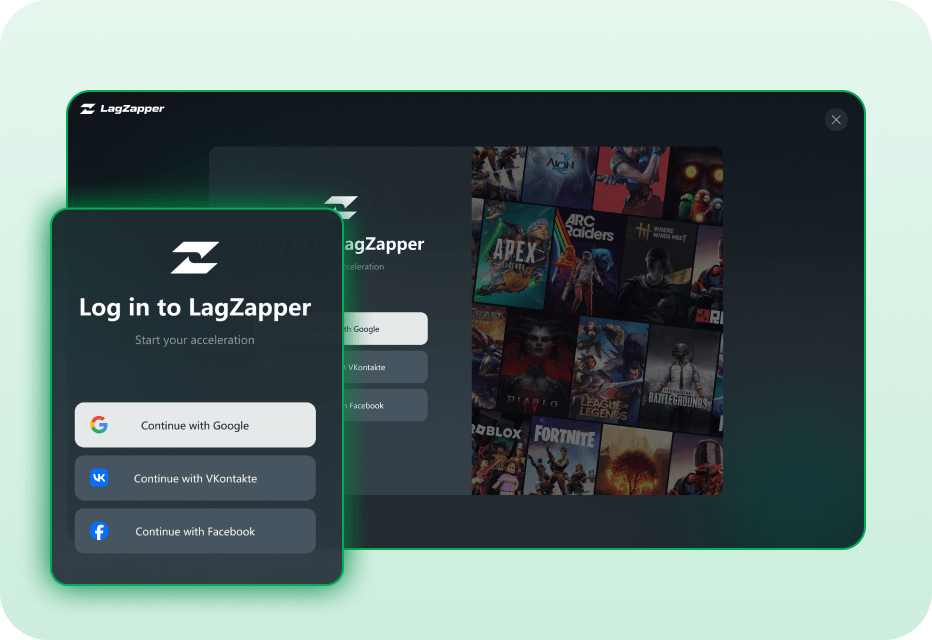
STEP 2
Open LagZapper and Sign In
Open LagZapper and sign in to optimize your connection for online games.
STEP 3
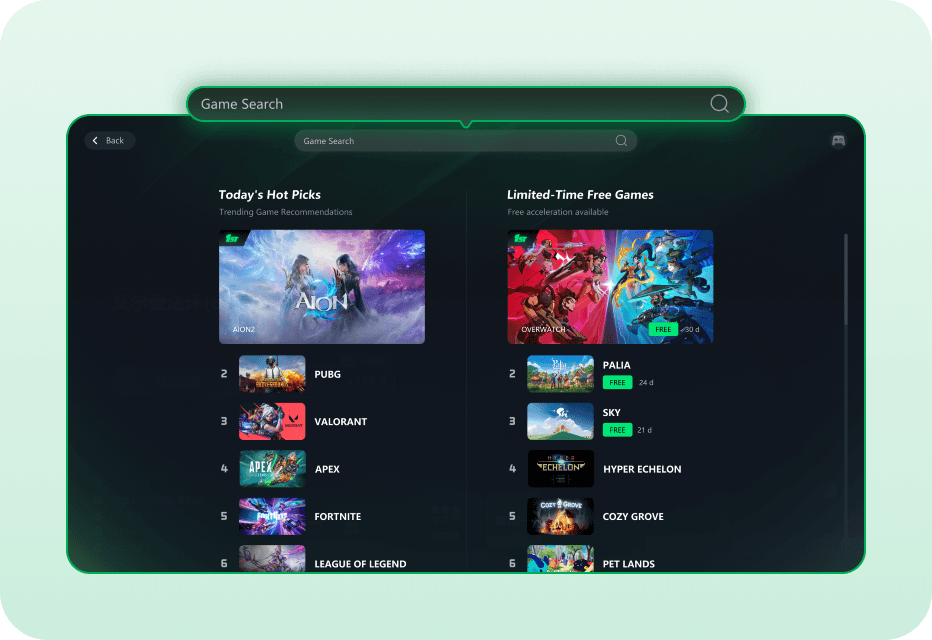
Search for Your Game
Search for your game or browse the supported games list to select the game you want to boost.
STEP 4
Boost and Play
Choose your preferred server or node, click Boost, and launch your game with a more stable connection.