Long-Distance Servers
Connecting to distant or cross-region servers increases travel time, raising ping and delaying in-game actions.

LagZapper helps lower ping, reduce latency, and stabilize game routes for smoother PC gameplay with fewer lag spikes and delays.
 Download for Windows

Ping measures how long it takes for data to travel from your PC to a game server and back. In online games, lower ping means faster response times, smoother movement, and more accurate actions. High ping can cause delayed skills, slow hit registration, lag spikes, rubberbanding, and unstable gameplay.
Download for Windows Long-Distance Servers
Connecting to distant or cross-region servers increases travel time, raising ping and delaying in-game actions.

ISP Routing Issues
Inefficient ISP routes can increase latency, even when your internet speed and connection appear normal.

Network Congestion
Crowded networks during peak hours can raise latency, trigger ping spikes, and reduce gameplay responsiveness.

Unstable Wi-Fi
Weak Wi-Fi signals, interference, or too many connected devices can make your ping unstable during online matches.
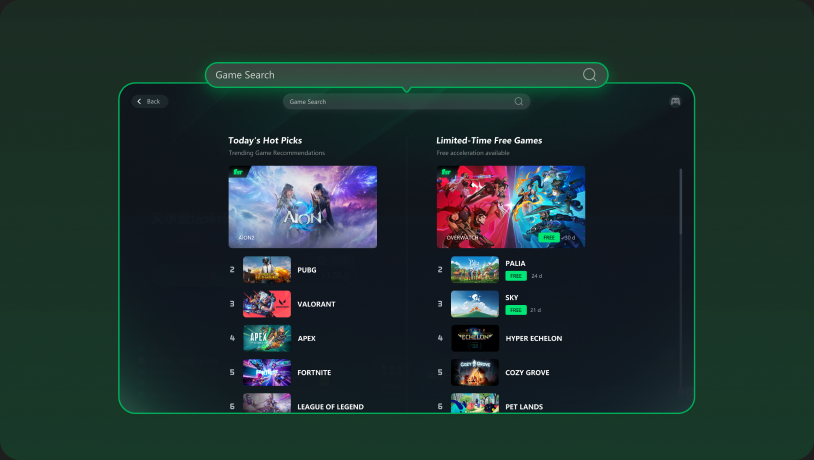
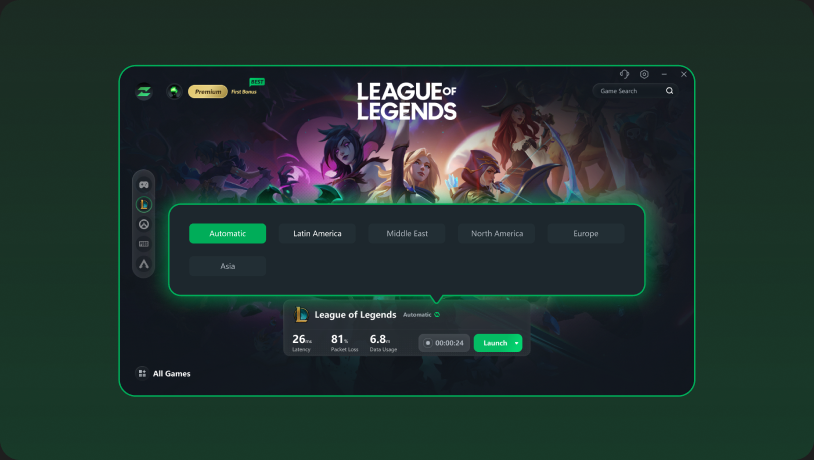
With LagZapper’s ping reducer, you can lower ping and stabilize your game connection in seconds. Search for your game, choose a server or node, and click Boost. LagZapper automatically finds a better connection path, helping lower ping and reduce lag for faster, more stable gameplay.
Download for Windows 
Cross-region servers often create higher latency because your connection travels farther and passes through more network hops. LagZapper helps optimize the route to overseas game servers, lower ping spikes, reduce packet loss, and make global or international gameplay feel more stable and responsive.
Download for Windows 
See how a lower and more stable ping can change your online matches, from faster actions to smoother movement and better competitive control.

High Ping
120ms+
 Delayed Actions Skills fire 100ms+ after clicking; you lose fast-twitch gunfights. Lag Spikes Ping jumps can cause stutters, freezes, or unstable gameplay. Slow Hit Registration Shots and attacks may register late or fail to deal damage. Rubberbanding Your player is snapped backward in time due to sync loss. Unstable PvP Experience Competitive PvP feels delayed, frustrating, and harder to control.
Lower Ping
Under 30ms
 Faster Response Actions reach the server faster for smoother gameplay response. Smoother Gameplay Routes stay consistent with 0% packet loss and no stuttering. More Accurate Timing Shots, skills, and movement inputs are more likely to register on time. Stable Movement Movement is clean and reliable without any visual jumps back. Better Competitive Control Lower and more stable ping helps you react faster and stay in control.
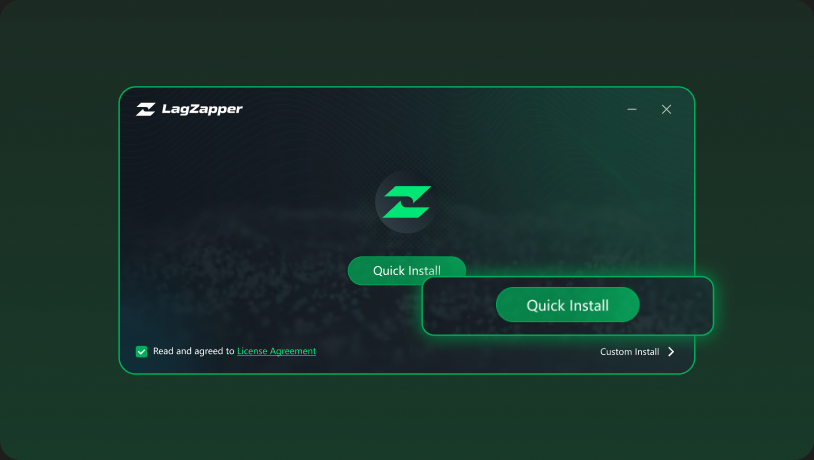
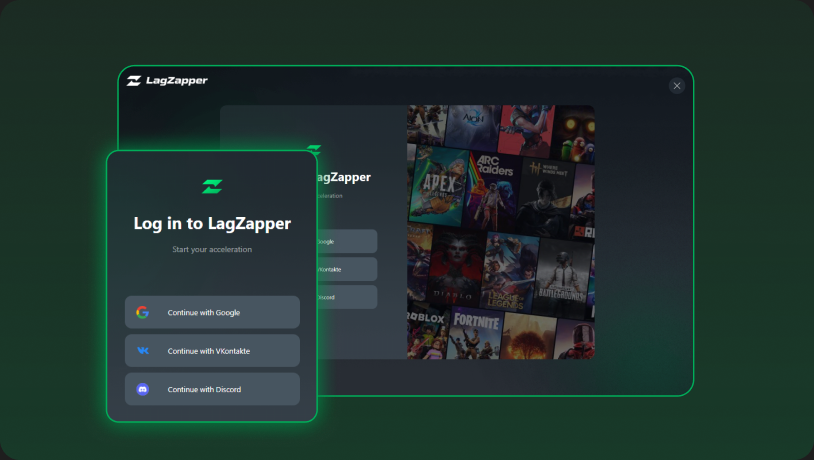
 Follow these simple steps to optimize your game route and learn how to get lower ping with LagZapper.


Reduce high ping and lag spikes with one-click route optimization.
Download for Windows