
Network Congestion
Heavy traffic on the same network path can delay or drop packets during peak gaming hours.

LagZapper helps reduce packet loss and stabilize your game route for smoother gameplay with fewer lag spikes, delays, and disconnects.
 Download for Windows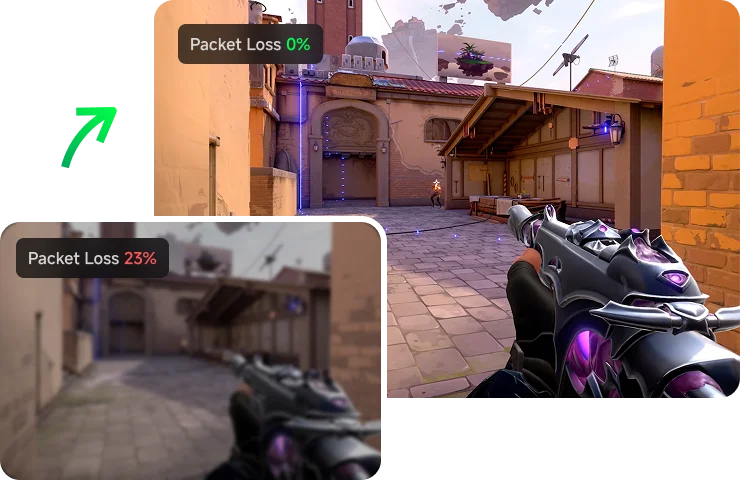
Packet loss happens when game data traveling between your PC and the server gets lost or fails to arrive. In online games, this can make gameplay feel unstable, causing rubberbanding, lag spikes, delayed actions, missed inputs, or disconnects, especially in fast-paced matches where every action needs to register quickly.
Download for Windows 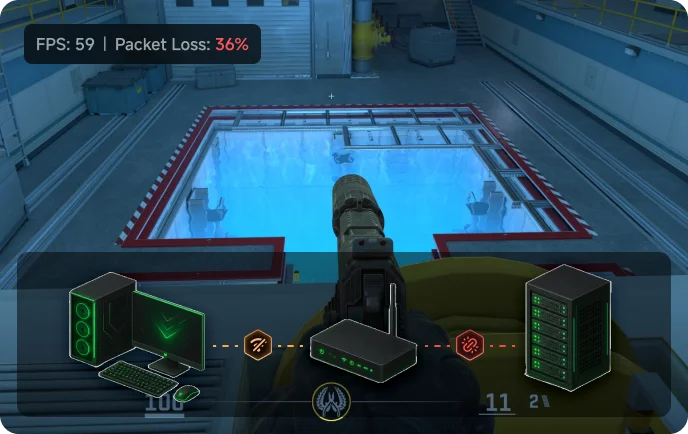
Network Congestion
Heavy traffic on the same network path can delay or drop packets during peak gaming hours.

Unstable Wi-Fi
Weak Wi-Fi signals, interference, or too many connected devices can make packet delivery unstable.

Long-Distance Routing
Overseas or distant game servers require more network hops, increasing the chance of packet loss.

ISP Routing Issues
Your internet speed may be fine, but your ISP may use an unstable route to reach the game server.
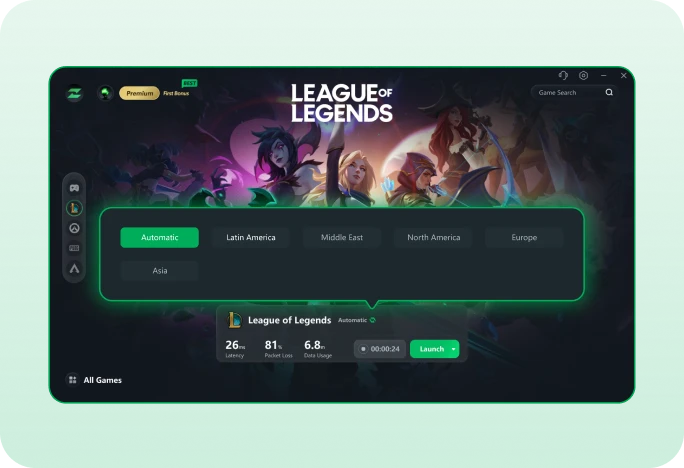
LagZapper helps reduce packet loss with one-click route optimization. Just click Boost, and LagZapper automatically detects unstable network routes, avoids unreliable paths, and switches your connection to a more stable game route. This helps reduce lag, packet loss, rubberbanding, and sudden disconnects for smoother online gameplay.
Download for Windows 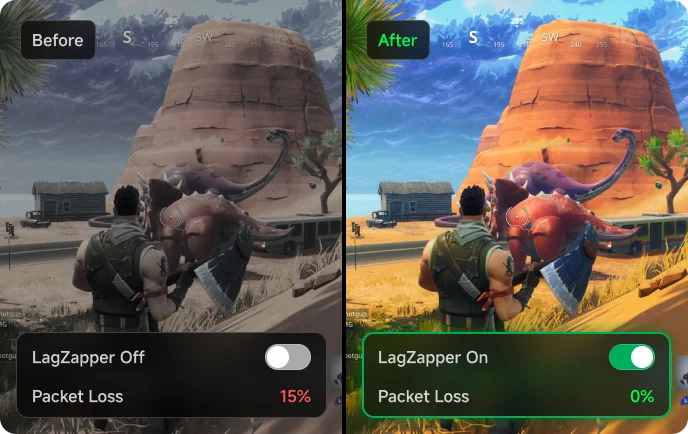
Playing on cross-region servers can increase packet loss because your connection travels through longer routes and more network hops. LagZapper helps optimize your path to overseas game servers by detecting unstable routes and switching traffic to a more stable connection. This helps lower ping, reduce packet loss and lag spikes, and prevent rubberbanding and sudden disconnects in global or cross-region online games.
Download for Windows 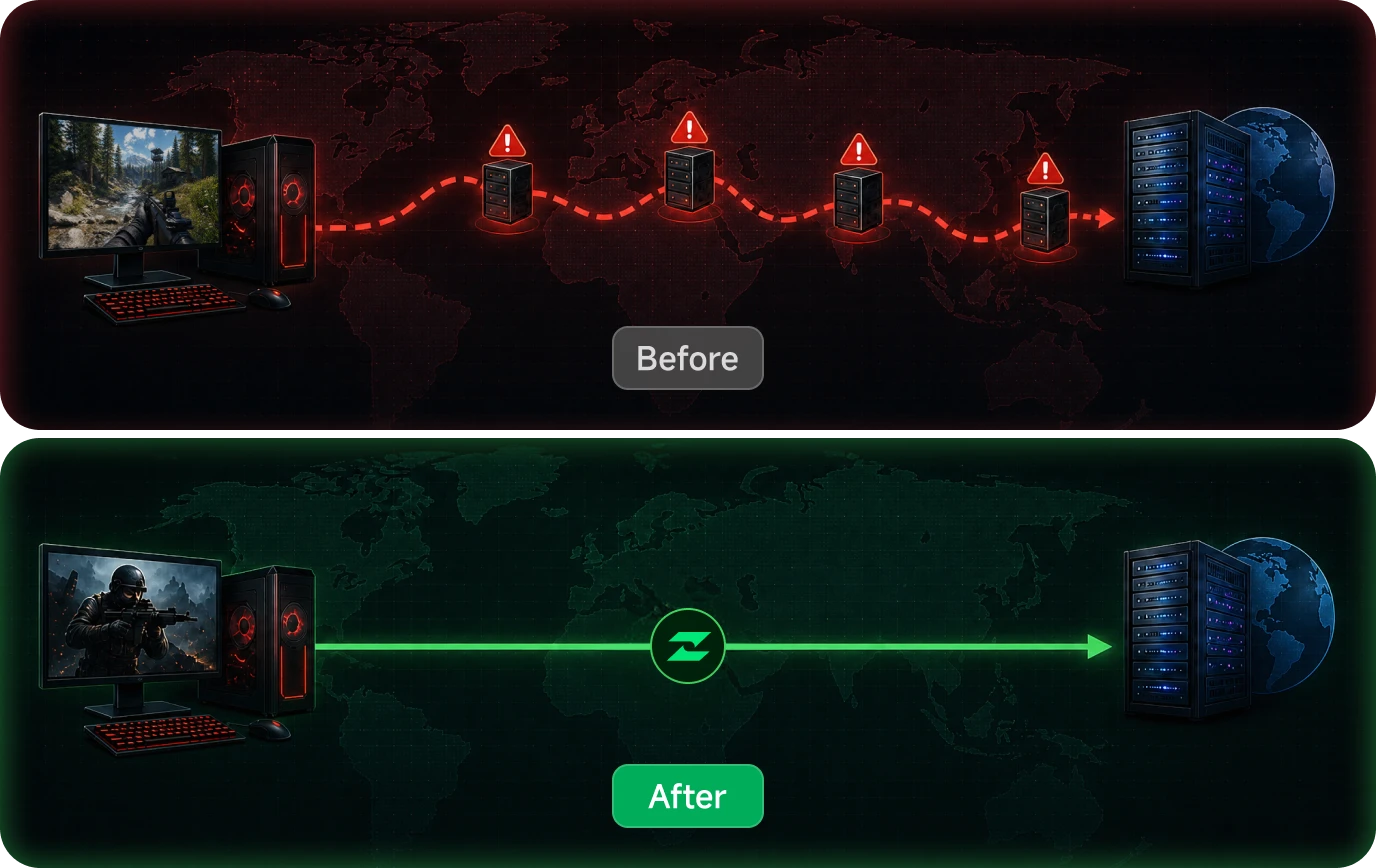
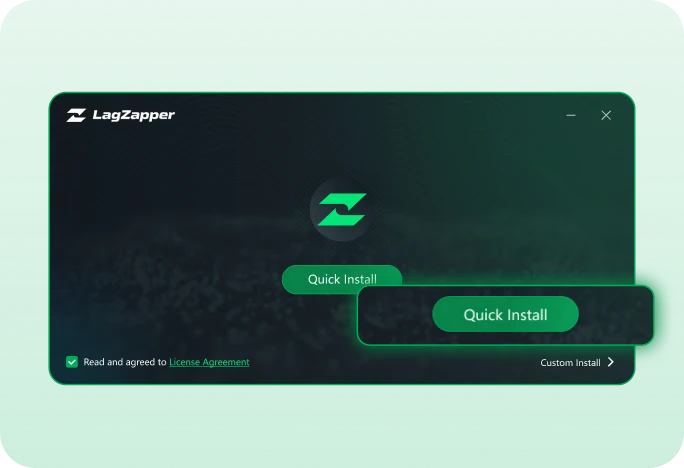
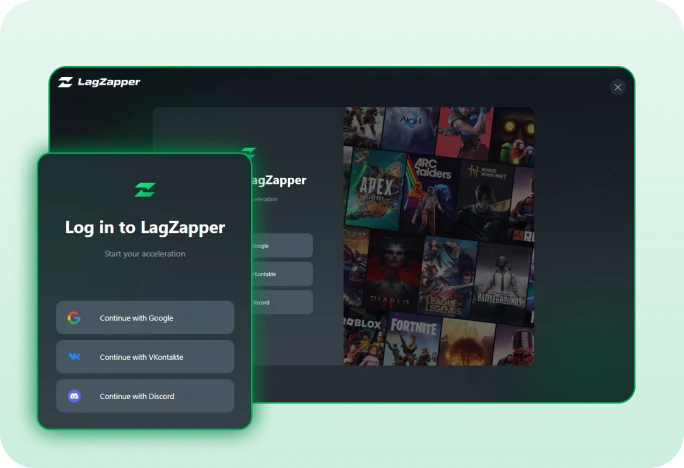
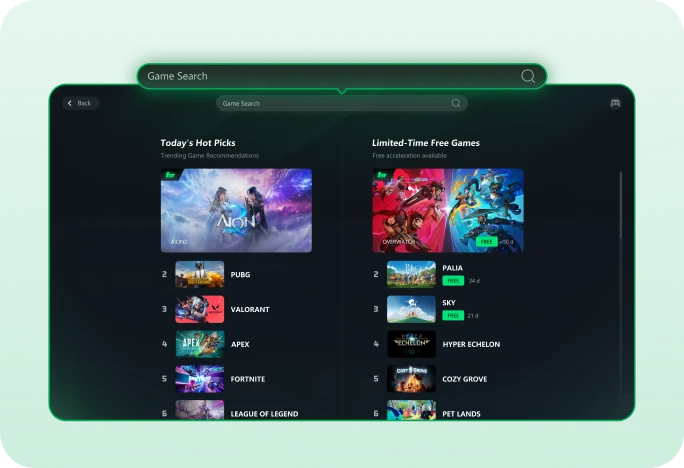
Reduce packet loss in games with LagZapper game booster by optimizing your route in just a few clicks.
 Download for Windows
Still wondering how to reduce packet loss in games? Here are the most common questions answered.

Reduce packet loss, stop lag spikes, and play smoother with LagZapper.