
How do I cancel my subscription?
If you are considering canceling your subscription because you are experiencing issues with LagZapper, please contact our Support Team first. We will do our best to identify the issue and help resolve it as quickly as possible.
If you still wish to cancel, please check which type of plan you purchased.
Auto-renewal plan
To cancel auto-renewal, go to:
LagZapper website > Account > Unsubscribe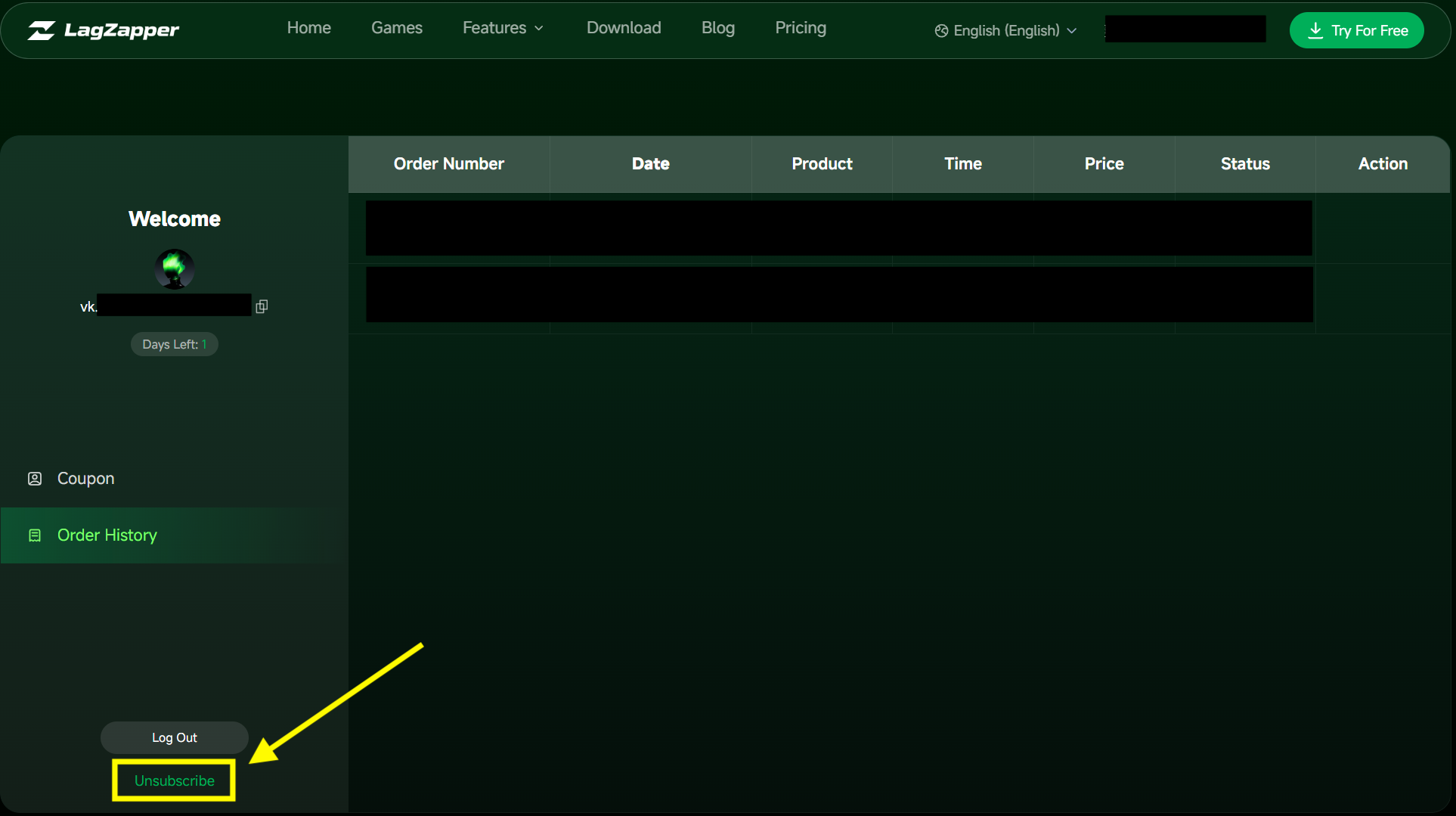 Please note that canceling auto-renewal only prevents your subscription from renewing for the next billing cycle.
Your current paid subscription will remain active and available until the end of the current billing period. Canceling auto-renewal does not immediately cancel or remove the subscription you have already paid for.
One-time plan
No cancellation is required for a one-time plan. A one-time plan is charged only once and does not renew automatically. You will not be charged again after the current subscription period ends.