Authentication Token Error Fix Guide
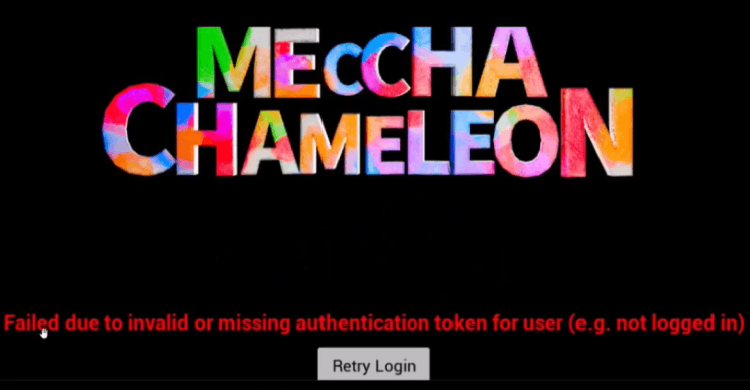
If you encounter this error: Failed due to invalid or missing authentication token for user (e.g. not logged in),
try resetting your Windows WinHTTP proxy settings:
- Press Win + X
- Open Windows PowerShell (Admin)
- Run: netsh winhttp reset proxy
- Restart the game and try again.
Possible Cause:
An incorrect WinHTTP proxy configuration may prevent the game from communicating with the authentication server, resulting in a missing or invalid login token.
Connection Optimization
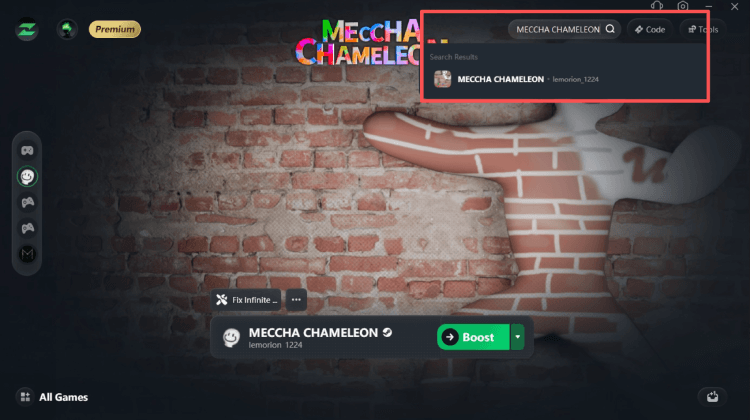
If the authentication issue has been resolved but you still experience high latency, connection instability, or region-related networking issues, try searching for MECCHA CHAMELEON in LagZapper and selecting the optimal server node for your region.