
Fix Crashes on Keyes Level – NVIDIA 610.82 Hotfix Driver
This guide shows you how to manually download and install the NVIDIA 610.82 Hotfix driver to resolve frequent crashes on the "Keyes" level in Halo.
Steps
1. Download the driver (choose one of the following):
- Direct .exe download: https://international.download.nvidia.com/Windows/610.82hf/610.82-desktop-notebook-win10-win11-64bit-international-dch.hf.exe
- Or visit NVIDIA's official forum post: https://nvidia.custhelp.com/app/answers/detail/a_id/5870
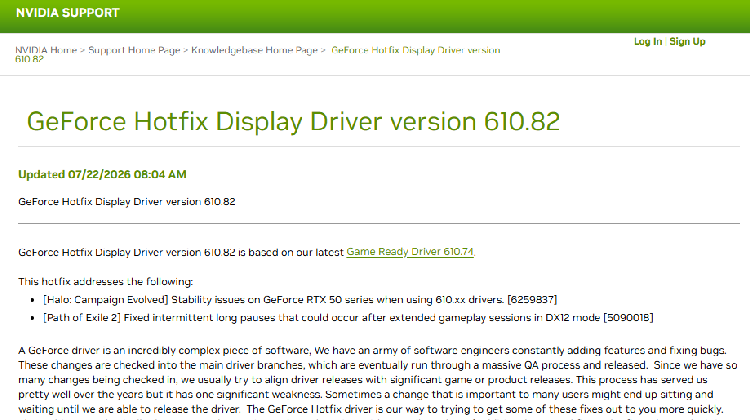
⚠️ This is a hotfix – it will not appear in the NVIDIA App or GeForce Experience. You must download it manually.
2. Close any open games and the NVIDIA App.
3. Run the downloaded .exe file and select "Custom (Advanced)" installation.
4. Check the box "Perform a clean installation".
5. Click "Next" to complete the installation, then restart your PC.
🚀 Recommended: LagZapper
Pairing with LagZapper accelerator during gameplay further reduces network latency, stabilizes online connections, and minimises crashes or disconnects – so you can enjoy smooth sessions.