Matchmaking Fix Guide
Method 1: Change Steam Download Region
1. Open Steam client → click "Steam" at the top‑left → select "Settings"
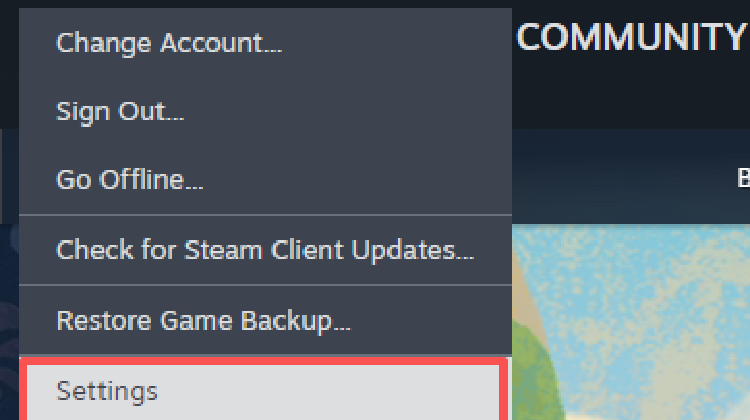
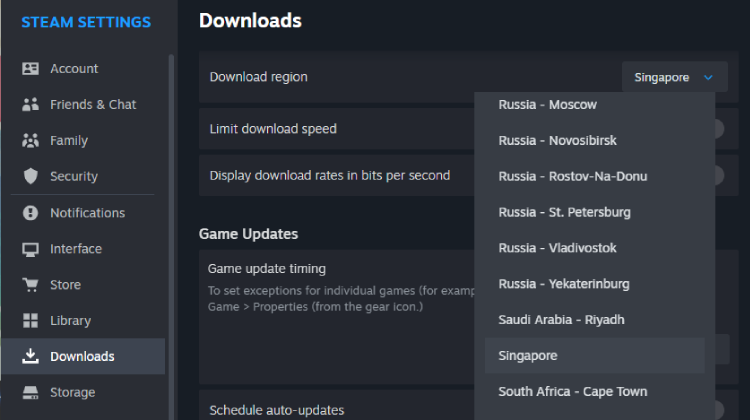
2. In the Settings window, click the "Downloads" tab
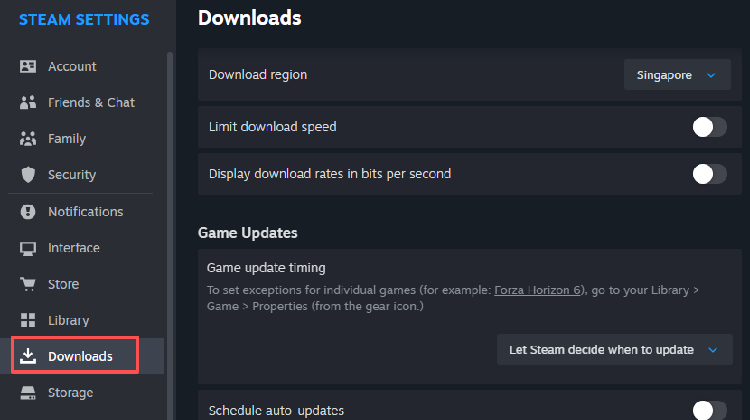
3. Locate the "Download region" dropdown menu
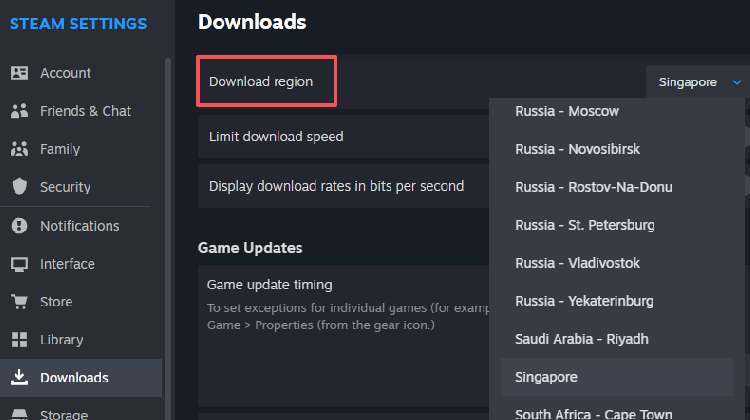
4. Change the region to exactly the same one as your friend
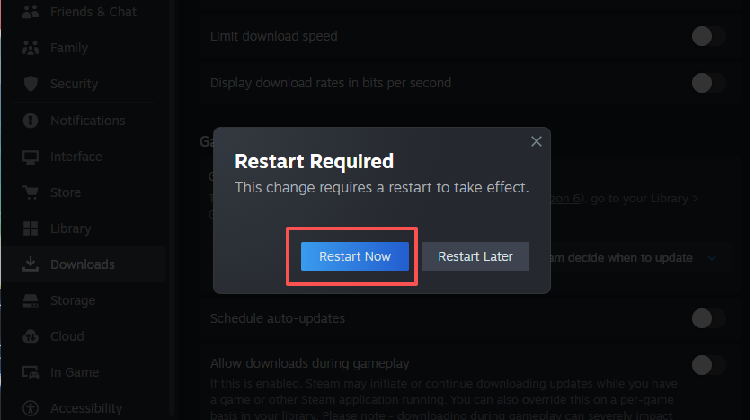
5. Restart Steam client completely for the change to take effect
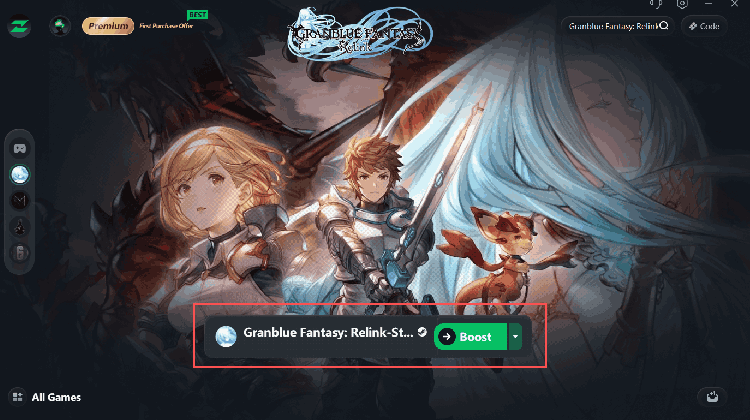
Method 2: Use a Gaming Bootser (LagZapper Recommended)
First, unify your Steam Download Region as in Method 1 to ensure you can find each other’s rooms. Then launch LagZapper and select a node in the same or nearest region as your friend. This will significantly reduce latency and disconnections in cross‑region connections. LagZapper is purpose‑built for Steam multiplayer – one‑click smart routing and stable performance. Enjoy the new DLC with your crew, lag‑free.