
Fix for Network error (code -1_C)
Solution (BIOS setting)
1. Enter BIOS:With the PC completely powered off, press and hold the F2 key, then press the power button to turn on the PC. Keep holding F2 until the BIOS screen appears, then release it. (Common keys include F2, F10, Delete, Esc, etc. Try them if F2 doesn't work.)
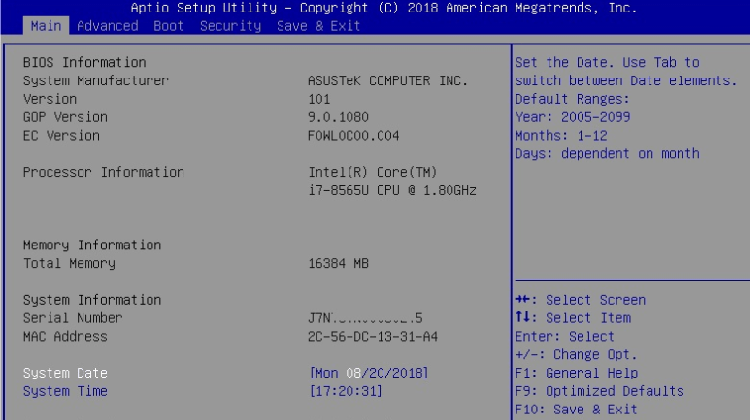
2. Locate the AES-NI option
3. Change the AES-NI status from Disabled to Enabled
4. Save changes and exit BIOS, then your PC will reboot
5. Launch the game and try online matchmaking – the error should be resolved
🚀 Recommended: LagZapper
After enabling AES-NI, if you still encounter lag or disconnects, LagZapper game booster can further optimize P2P direct connections with smart routing and global node coverage, significantly reducing latency and packet loss. Enjoy the new DLC content of Granblue Fantasy: Relink with your friends smoothly.