How to Access Classic Mode
League of Legends Classic will officially launch on July 29, 2026, at 8:00 AM Pacific Time. The mode will take players back to the early days of Summoner's Rift, featuring classic champion abilities, items, Runes, Masteries, and a combat pace closer to early League.

What Does League Classic Include?
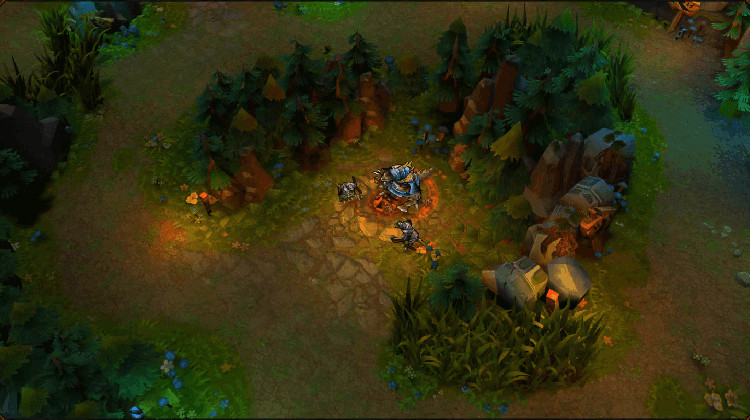
League Classic is mainly based on Season 3, but it is not an exact recreation of a single old version. Instead, it brings together iconic content from several of League’s early seasons:
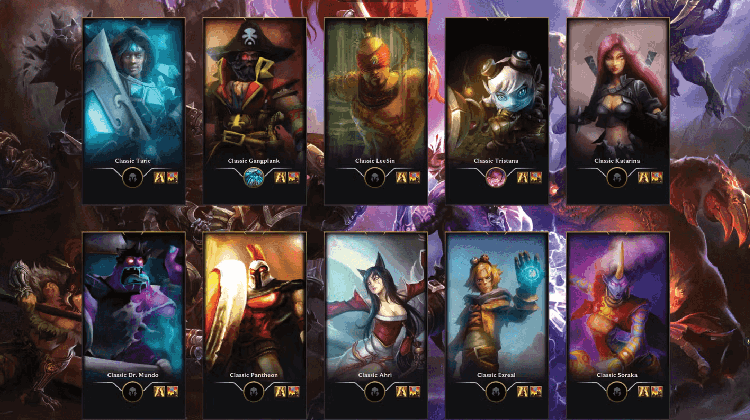
- 60 champions at launch: the original 40 champions plus 20 champions released between 2009 and 2013;
- Several champions will return with their pre-rework ability kits;
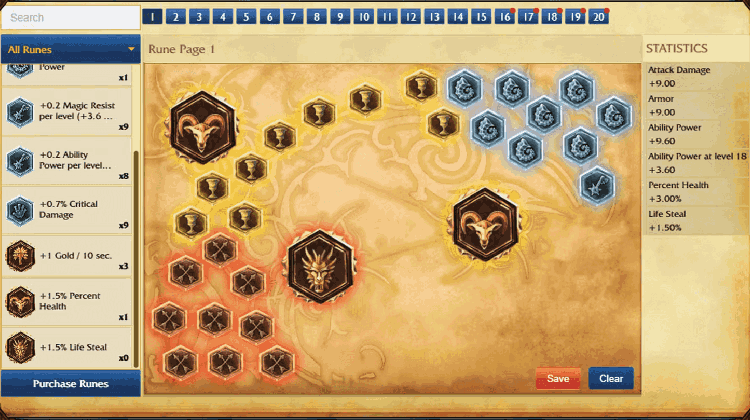
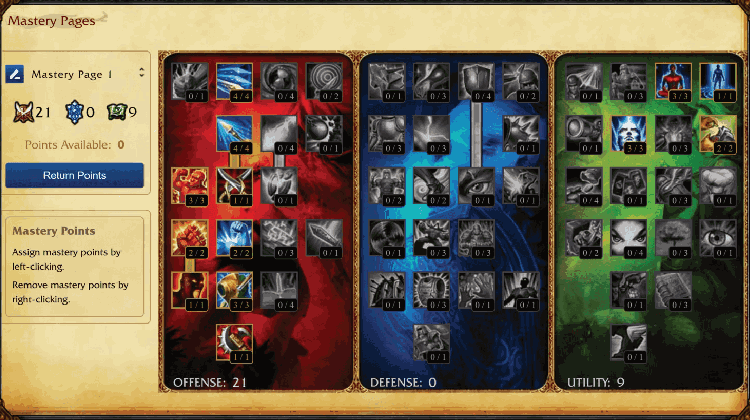
- The classic Summoner's Rift, old items, Summoner Spells, Runes, and Masteries will return;
- Champions will have more distinct strengths and weaknesses, mobility will be slower, and abilities will cost more mana while dealing more damage, bringing the combat pace closer to early League;
- PvP Draft, Co-op vs. AI, and Custom Games will be available at launch;
- Players can increase their Classic Level to unlock access to The Council. The more they play League Classic, the greater their voting power will become, giving them more influence over future champions, skins, and selected gameplay changes.
Where Can You Find League Classic?
League Classic is not a standalone game and does not have a separate launcher. It is integrated directly into the existing live League of Legends client.
You do not need to download a new client, create a new account, or switch to the PBE. If the live League of Legends client is already installed on your PC, you can access Classic directly after the mode launches.
How to Access League Classic
1. Open Riot Client on your PC and sign in to your Riot account.
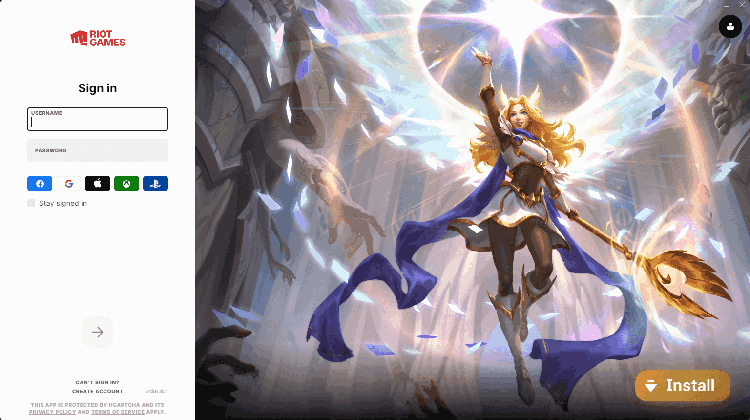
2. Launch League of Legends and click PLAY.
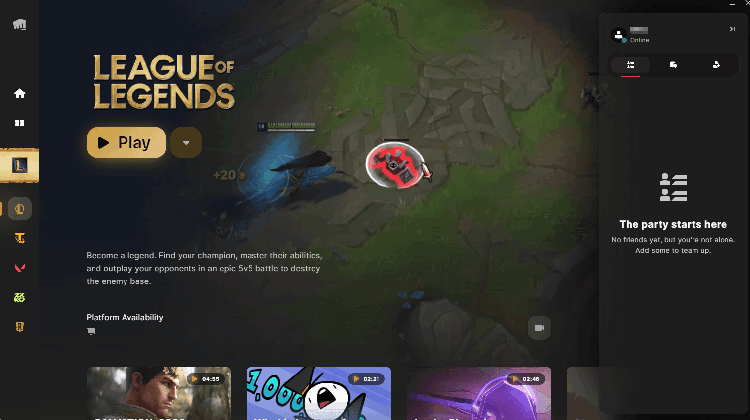
3. Find and select League Classic in the game mode selection menu.
4. Select the appropriate queue and start matchmaking.
The launch process is essentially the same as entering a Normal or Ranked match. No additional configuration is required.
If Classic does not appear after the scheduled launch time, make sure your client is fully updated, then completely close and restart Riot Client. Availability may also vary slightly by region due to server maintenance or a staged rollout.
🚀 Play League Classic More Smoothly with LagZapper
If you experience high ping, ping spikes, lag, or packet loss when launching Riot Client, signing in, or playing League Classic, use LagZapper to optimize your network connection.
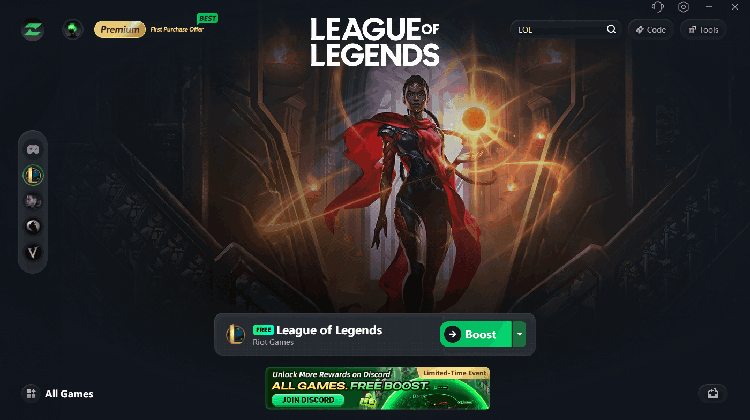
Open LagZapper, search for League of Legends, select the appropriate game server and acceleration node, and enable acceleration before launching Riot Client for a smoother and more stable League Classic experience.
Use LagZapper, leave network instability behind, and return to the classic Summoner's Rift!