
Server Switch Guide
If you've previously logged into the NA region and cannot switch to the correct server region after changing Steam accounts, please follow these steps:
Step 1: Close the Game and Steam
Completely exit Mistfall Hunter and the Steam client.
Step 2: Remove the Cached Region Files
Navigate to your game installation directory:
E:\SteamLibrary\steamapps\common\Mistfall Hunter Demo\MistfallHunter\Binaries\Win64
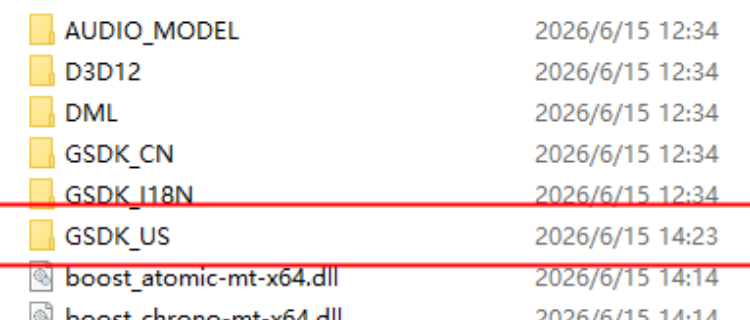
Delete the server resource files associated with the previously loaded region (for example, NA region files).
Step 3: Verify the game files through Steam
Step 4: Launch the Game Again
After verification is complete, launch the game.
The game should now download the correct server configuration based on the region of your currently logged-in Steam account and connect you to the appropriate server.