Unable to Join Server Fix Guide
This guide explains how to check version compatibility among client, server, and mods to resolve joining issues after an update.
Solution
1. Make sure your game client is updated to the latest version
2. Ensure the server is also updated to the latest version
3. If the server uses mods, remove old mods or wait for mod authors to release 1.0‑compatible versions
4. Restart the server after updating
5. If still unable to join, restart Steam and verify game file integrity
Key Note: The client, server, and mods must all be in a 1.0‑compatible state; otherwise, you may encounter version mismatches, connection timeouts, or be unable to join at all.
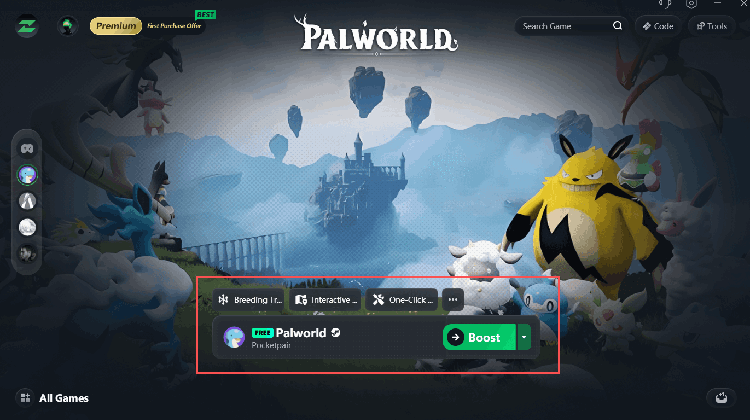
🚀 Recommended: LagZapper
When playing across regions, use LagZapper to select a node near the server location – effectively reducing latency and making it easy to join your friends' servers.