PSN Region Restrictions Handling Suggestions
This guide provides suggestions on how to address issues caused by PSN region restrictions, such as failed linking, store invisibility, or online service errors, to help you get into the game smoothly.
Solution
1. Ensure your Steam region matches your PSN region: try to use accounts from the same country/region (e.g., US PSN with US Steam) to reduce linking failures due to mismatched regions.
2. Use an accelerator with a node corresponding to your region: if you use US PSN, connect to a US node before launching Steam and the game, and keep your network node consistent with your PSN region to lower the risk of connection errors and disconnections.
3. Be aware of cross‑region risks: cross‑region registration or purchases may trigger platform risk controls; please follow official rules and proceed with caution.
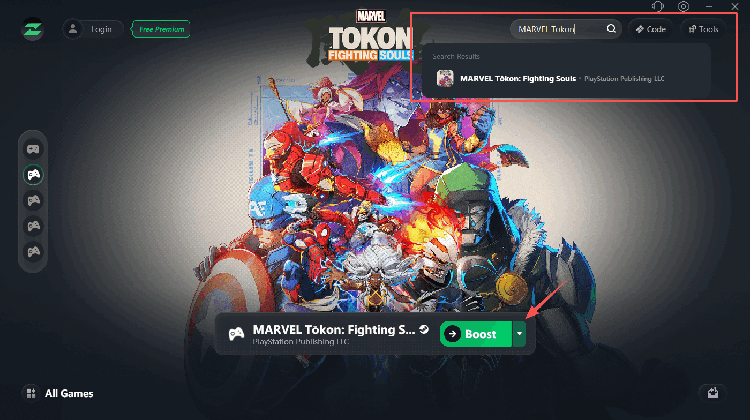
🚀 Recommended: LagZapper
Using LagZapper during gameplay effectively reduces latency and disconnections, ensuring smooth linking and stable online sessions.