Steam Account Password Change
RU version: https://www.lagzapper.com/ru/game-help/treasure-box/steam-account-password-change/
After receiving your Steam account from LagZapper, we recommend changing the account password as soon as possible to help keep your account secure. Follow the steps below to update your Steam account password.
Step 1: Log In to Your Steam Account
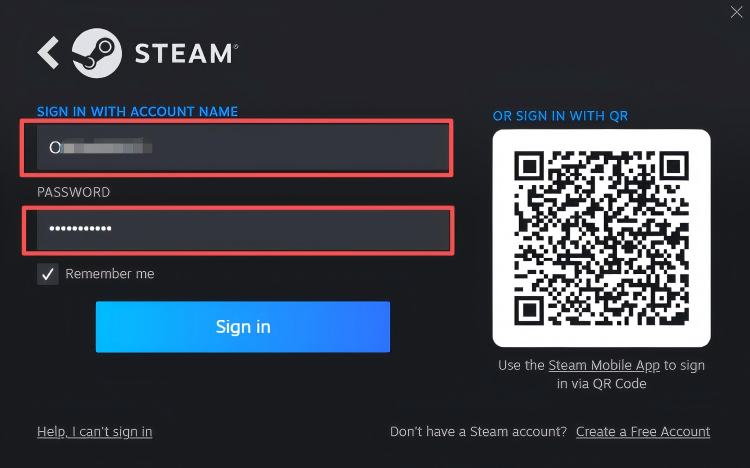
Open the Steam client or visit the official Steam website, then log in using the Steam account information provided by LagZapper.
Step 2: Open Account Settings
1. Click your username in the upper-right corner of the Steam client.
2. Select “Account Details” from the drop-down menu.

Step 3: Change Your Password
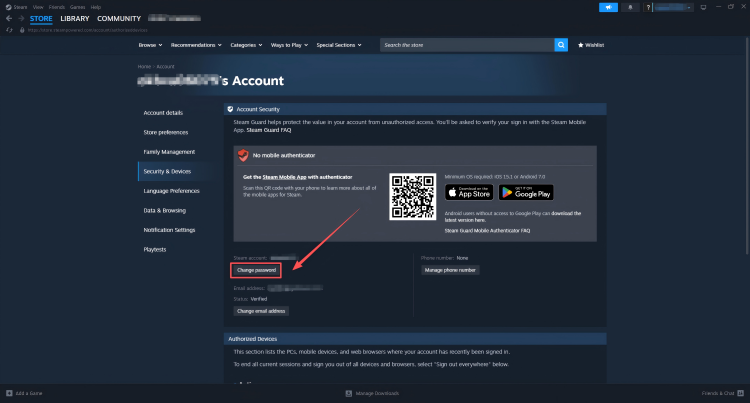
On the Account Details page, find and select “Change my password”. Then follow the on-screen instructions to begin the identity verification process.
Step 4: Verify Your Identity
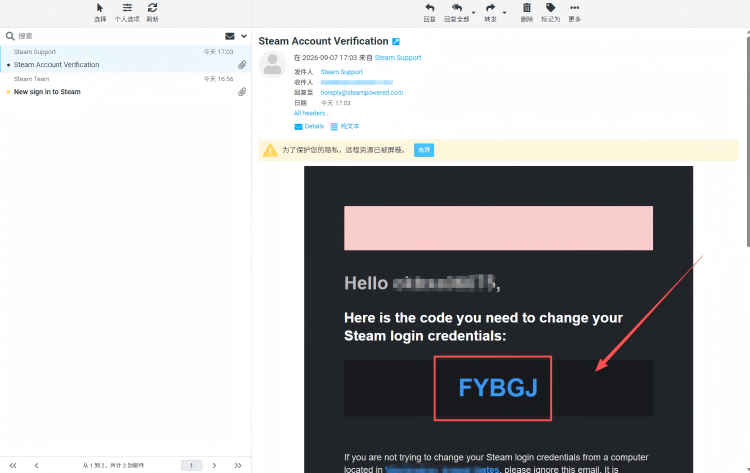
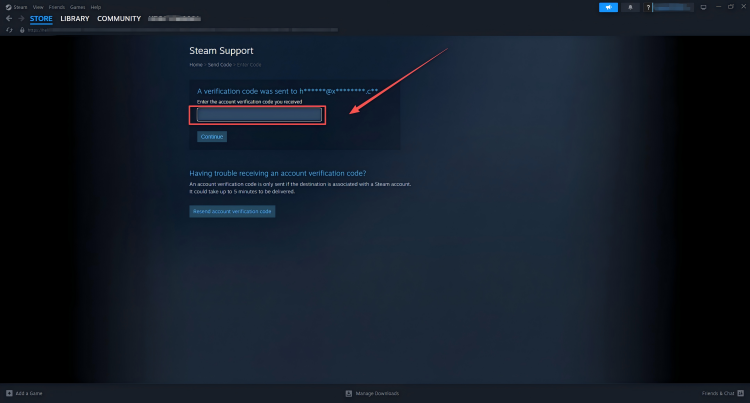
1. Steam will send a verification email to the email address associated with the account.
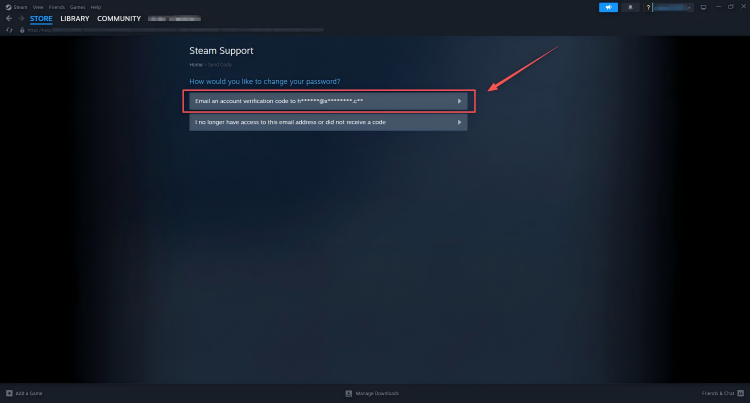
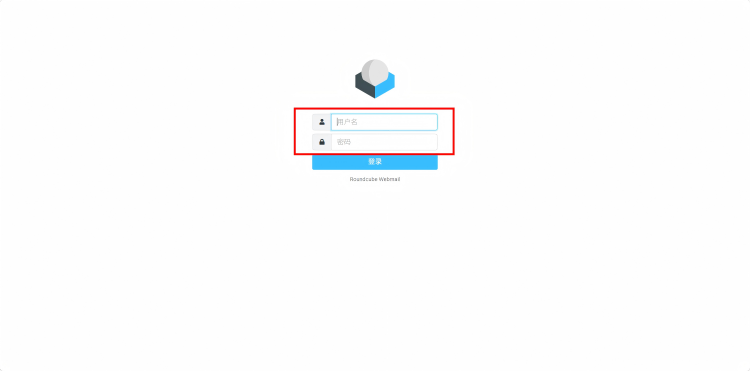
2. Use the email address and password provided by LagZapper to log in to the mailbox. Find the verification email from Steam and follow the instructions to complete the verification. Email login: http://mail.xydianwan.com/
Step 5: Set a New Password
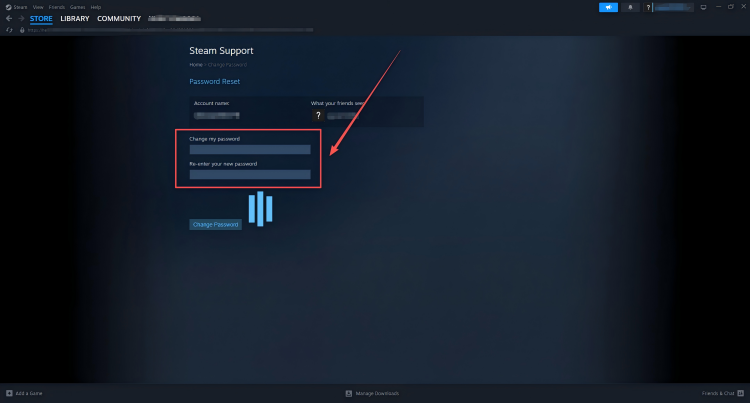
After completing the verification, you will be redirected back to the Steam password change page. Follow the instructions to set a new password for your Steam account and keep it in a secure place.