
FPS Master Guide
RU version: https://www.lagzapper.com/ru/game-help/treasure-box/wardogs-fps-master-guide/
To help WARDOGS players achieve smoother gameplay, LagZapper has introduced a dedicated FPS Master plugin. It is designed to help improve low FPS, frame drops, stuttering, and other performance issues by optimizing relevant game settings based on your PC configuration. This guide will show you how to install and use FPS Booster to quickly optimize your game performance.
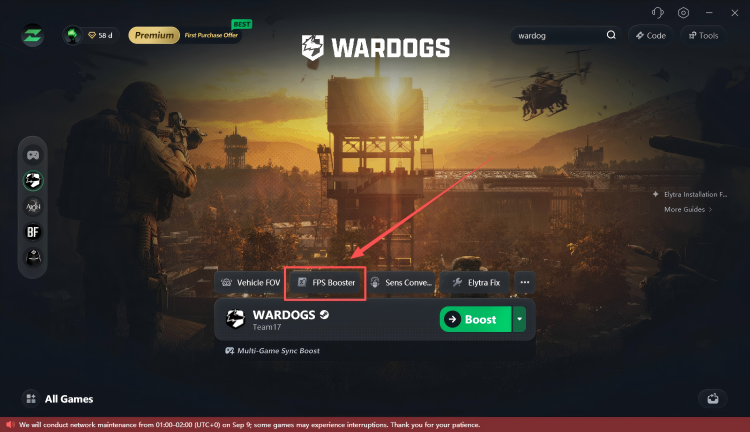
1. Open FPS Master
Find and click FPS Master in LagZapper.
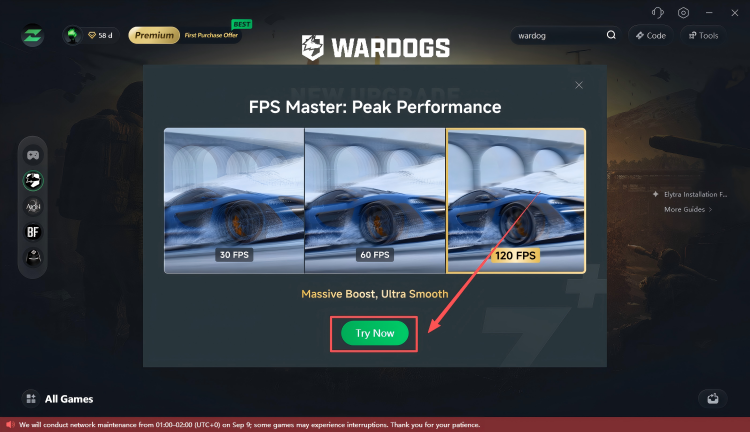
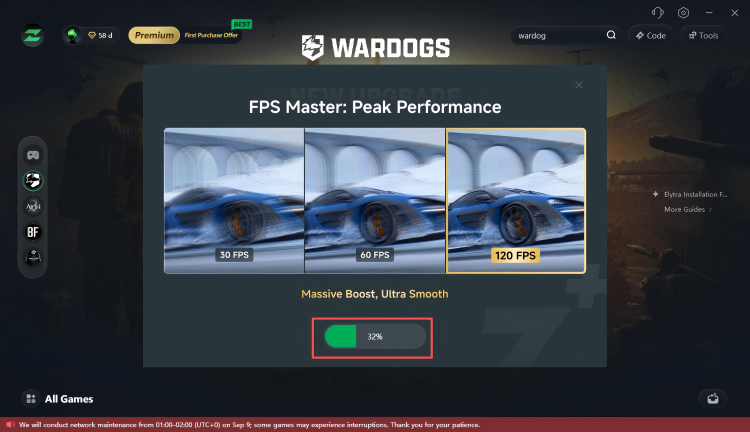
2. Install FPS Master
Click Try Now and wait for the installation to complete.
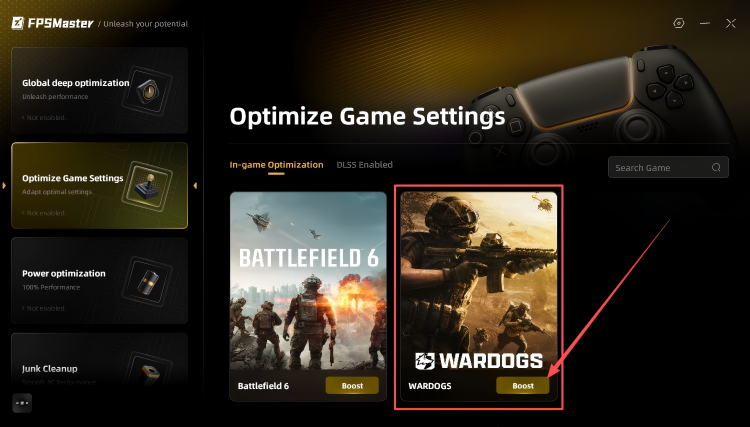
3. Optimize FPS
Select Optimize Game Settings, then click Boost. FPS Master will automatically optimize relevant game settings based on your PC configuration to help improve FPS and overall gameplay smoothness.
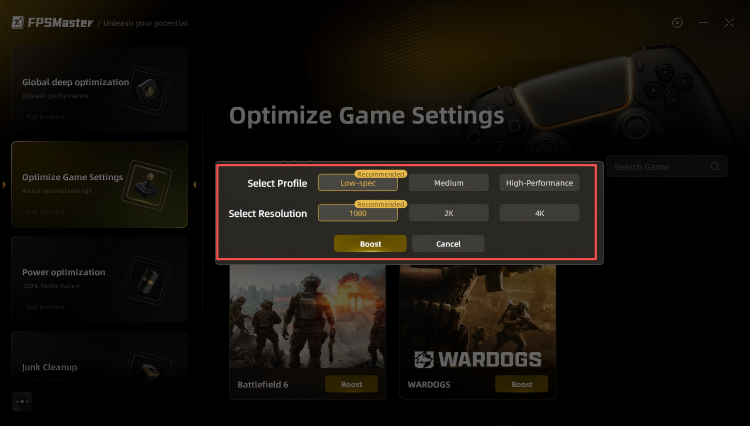
4. Launch the Game and Check the Results
Your FPS optimization settings are now complete. Launch WARDOGS and enter an actual match to experience the optimized performance. Actual FPS improvements may vary depending on your PC configuration and in-game settings.