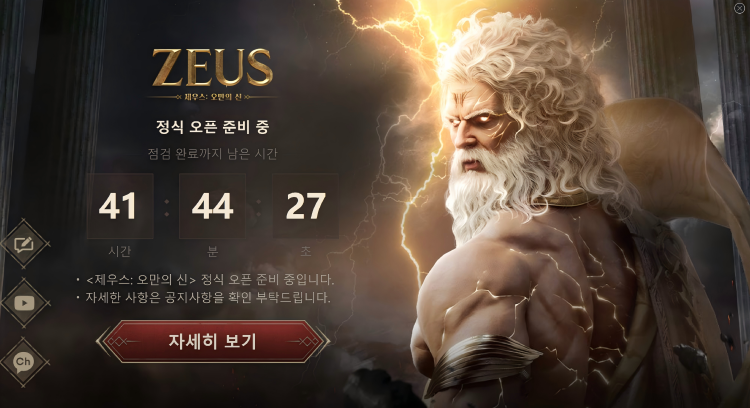
Preload Download Guide
To help you complete the preload preparation for ZEUS: God of Arrogance, this guide will walk you through the full process, including enabling acceleration, downloading and installing the launcher, logging in, downloading the game, and completing the preload. Please follow the steps below and make sure to enable LagZapper acceleration before downloading the game launcher.
1. Enable Game Acceleration and Download the Launcher
Please make sure to enable game acceleration first, then download the game launcher through the download link provided in the LagZapper client.
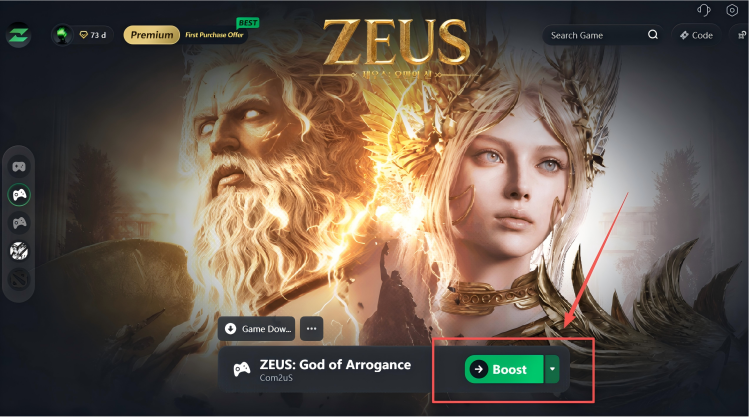
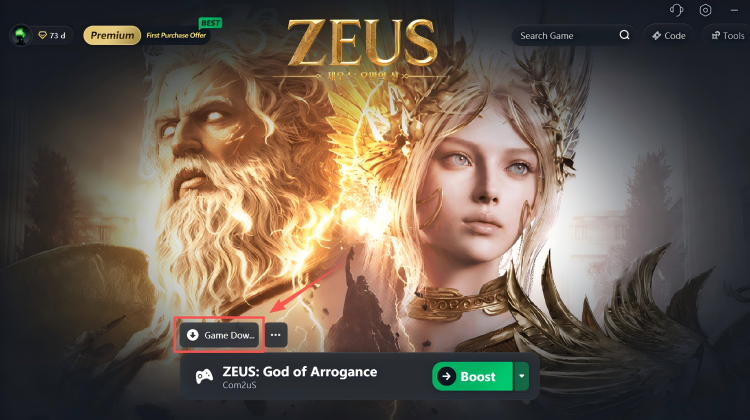
2. Install the Game Launcher
Once the download is complete, run the installer and follow the on-screen instructions to complete the launcher installation.
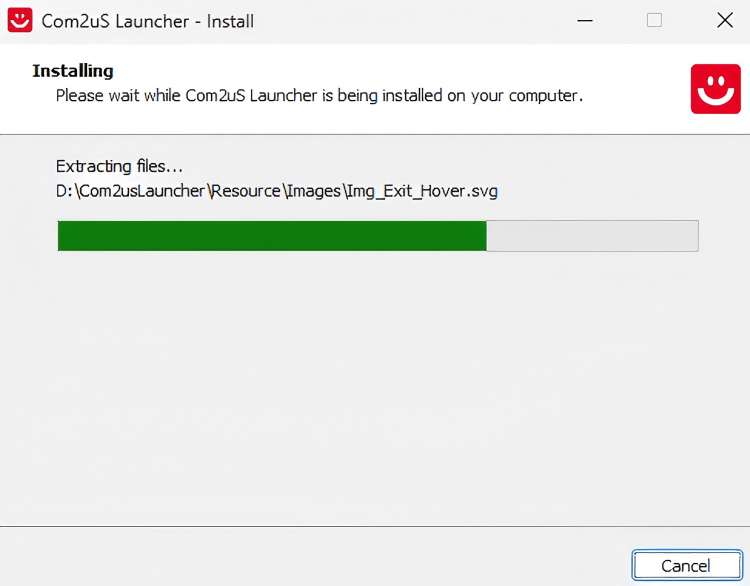
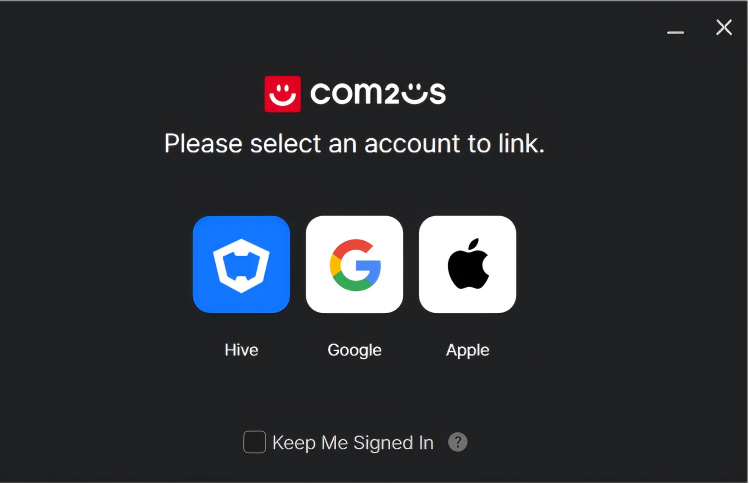
3. Log In to Your Account
Open the launcher, choose your preferred login method, and complete the login process.
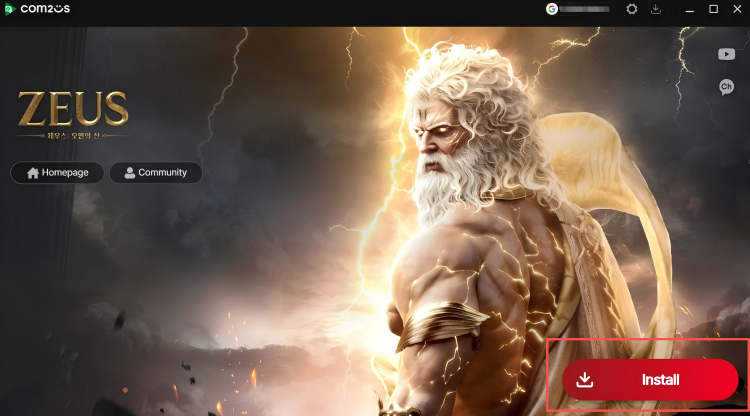
4. Download the Game
After logging in successfully, go to the game download page and start downloading the game.
5. Complete the Game Preload
Once the game download is complete, enter the preload process and download the required resources. After the preload is finished, simply wait for the official server launch.